
WebP vs JPG and PNG for Online Stores: Which Format to Choose and How to Optimize Product Images
When publishing product galleries, hero banners, or brand assets in an online store, choosing between WebP, JPG, and PNG dictates the balance between visual fidelity and mobile load speeds.
• JPG: standard photos on solid backgrounds. • PNG: logos and graphics needing strict lossless purity. • WebP: transparent cutouts and dense mobile catalog grids.
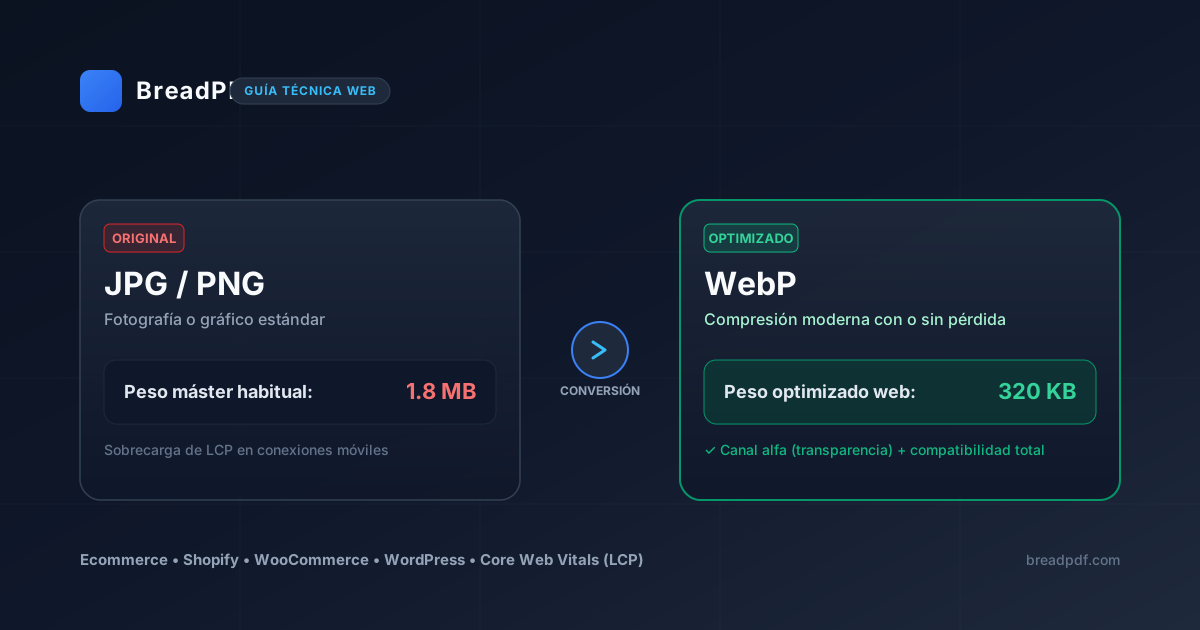

Featherweight images accelerating your Largest Contentful Paint (LCP)
Convert bulky camera photography to WebP locally in your browser. Slash file payload by up to 80% with zero blurriness, boosting mobile shopper conversion rates.
Core Differences: WebP, JPG, and PNG
None of these formats is universally superior. Each was engineered to solve distinct technical requirements:
| Format | Key Strength | Limitation | Typical Use Case |
|---|---|---|---|
| JPG | Universal legacy compatibility | No alpha transparency support | Product photos with solid backgrounds |
| PNG | Lossless alpha channel support | Very heavy byte size on complex photos | Logos, badges, and interface assets |
| WebP | Modern predictive compression + alpha | Older desktop image editors lack native import | Mobile catalogs, cutouts, and banners |
Choosing the Right Format by Asset Type
JPGWhen is JPG Still the Sensible Choice?
JPEG shines on rich product photography featuring complex color tones. If source images are already scaled to 1500px at 150–250 KB, batch re-encoding may produce negligible perceptual gains.
PNGWhen Does PNG Remain Essential?
PNG is essential for logos, UI badges, and line art where razor-sharp contrast edges must remain crisp without lossy compression artifacts.
WebPWhen Does Migrating to WebP Make Technical Sense?
WebP proves most beneficial in two distinct scenarios: isolated product cutouts with transparent backgrounds (slashing heavy 2–3 MB PNGs down to 200–400 KB) and dense catalog listing grids where aggregate mobile payload is paramount.
Step-by-Step Ecommerce Image Optimization Workflow
Start from the uncompressed master
Always perform resizing on the camera raw export or clean source master.
Resize to realistic display dimensions
If your theme container caps product galleries at 1200–1600 px for zoom, avoid uploading 5000 px images.
Convert Image to WebP on BreadPDF
Convert JPG photography and transparent PNGs to WebP with fine quality control entirely in your local browser.
Inspect rendered output before production
Verify that hero assets stay comfortably below the 250–300 KB ceiling.